
Ecosystem
Besides the shell, glimpse comes with tools you start when you need them, from a key, a panel button or a terminal.
| Tool | What it does | Start it with |
|---|---|---|
| Screenshots | Takes a screenshot and lets you mark it up before you copy or save it | glimpse-shot |
| Color picker | Prints the color of any pixel on screen | glimpse-lens --tool picker |
| Ruler | Measures distances on screen in pixels | glimpse-lens --tool ruler |
| Magnifier | Freezes the screen and zooms in under the pointer | glimpse-lens |
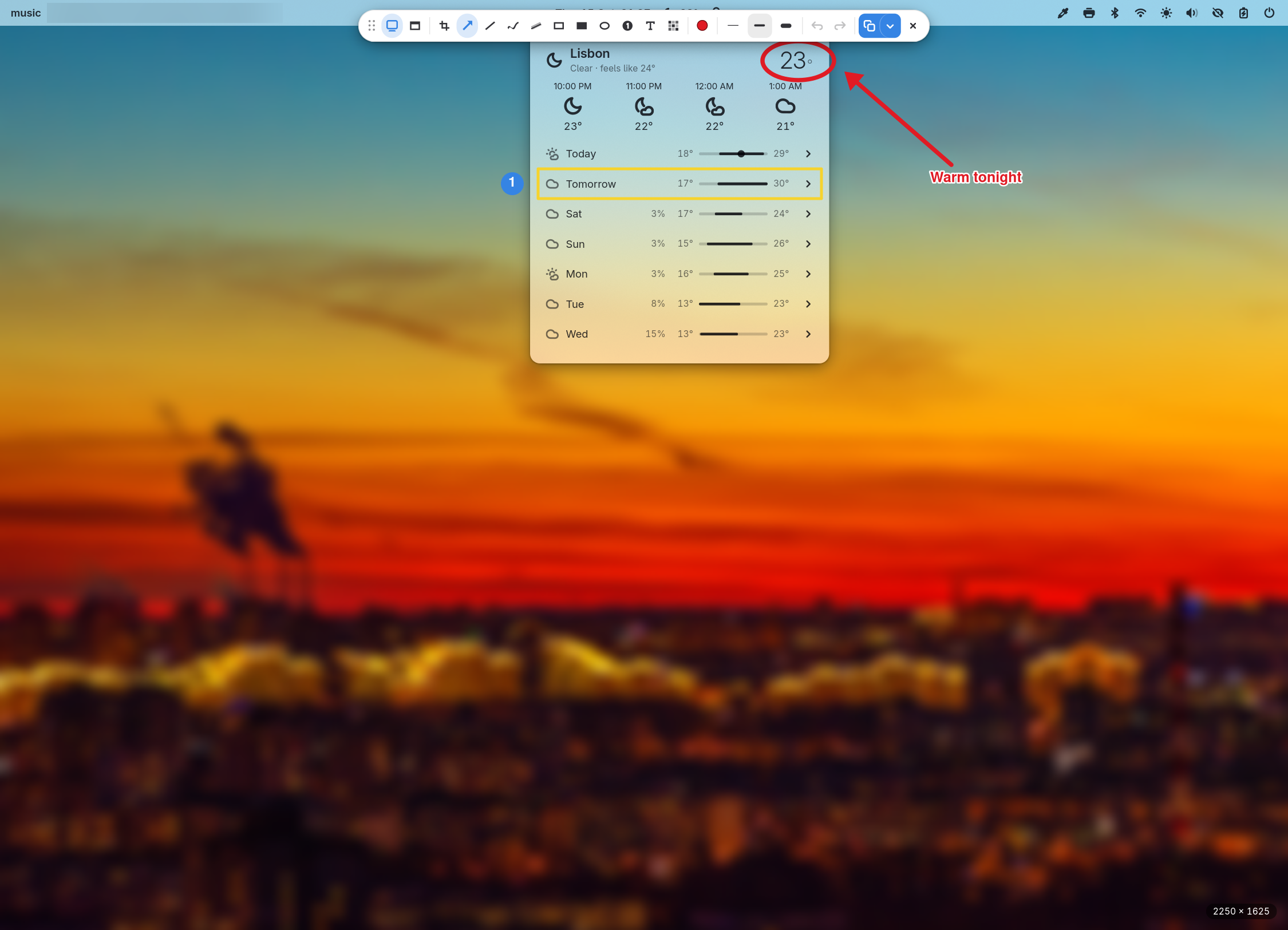
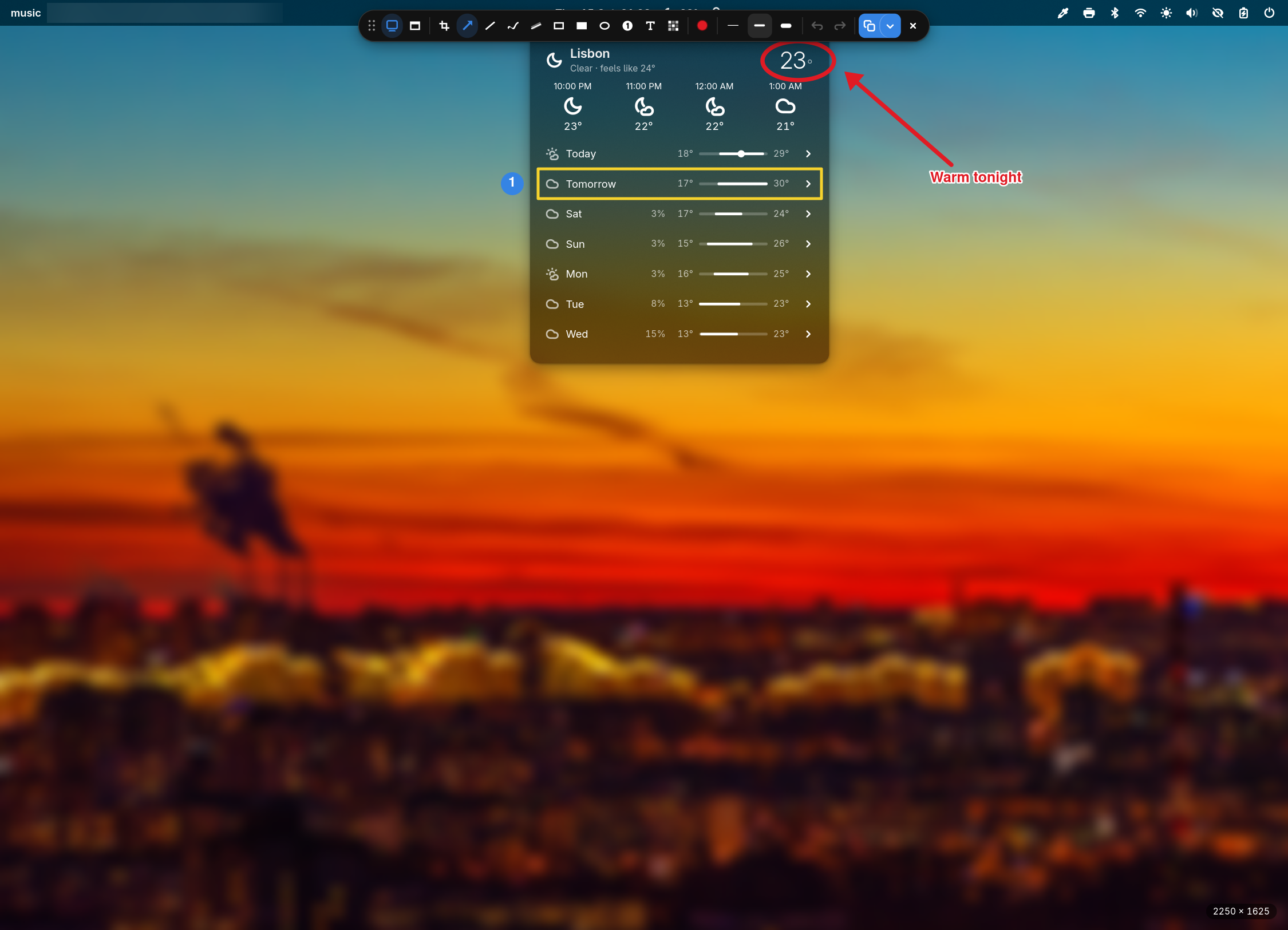
The screenshot tool, the color picker and the ruler print plain text or JSON and report what happened in their exit code, so scripts and AI agents can drive them too.
Bind them to keys
glimpse sets no key bindings. Add them in your compositor's configuration:
| Key | Command |
|---|---|
glimpse-shot --screen | |
| Ctrl+Print | glimpse-shot --window |
| Shift+Print | glimpse-shot capture --copy --no-save |
| Super+Shift+C | sh -c "glimpse-lens --tool picker | wl-copy -n" |
Bind glimpse to keys shows the full syntax and more commands worth binding.