
Magnifier
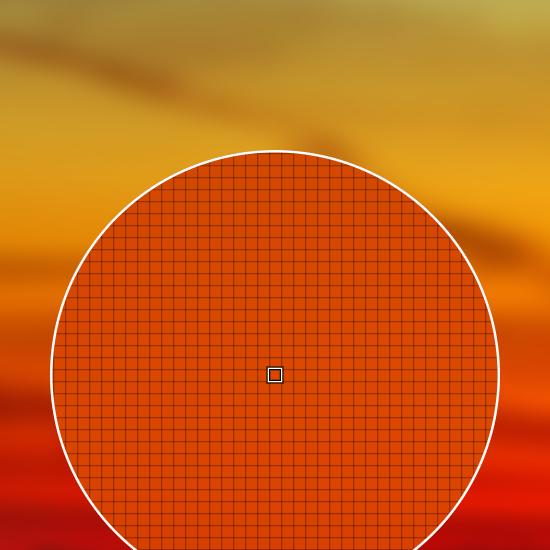
The magnifier freezes the screen and shows a magnifying lens under your pointer, for checking alignment, a blurry icon or a one-pixel gap. Every option is in the command reference.
Zoom in
glimpse-lensThe lens opens at three times magnification. Scroll to zoom from 1 up to 200 times; each notch changes the zoom by about a quarter, and by at least one step. From six times on, a grid shows the edge of every pixel.
To open it closer in, pass --zoom, for example glimpse-lens --zoom 12.
Change the lens size
Hold Shift and scroll to make the lens bigger or smaller. It opens with a radius of 180 pixels; --radius sets another size, from 10 to 200.
Move by one pixel
The arrow keys move the lens one pixel at a time, for when the mouse cannot land where you want.
Close it
Press Esc or right-click. The magnifier prints nothing.