Information applets
These applets show the time, your calendar, the weather, what is playing and what has happened.
Some applets also have a table named after the service behind them, shown after the applet's own. The service table changes the service for everything that uses it; the applet table changes only that applet.
clock
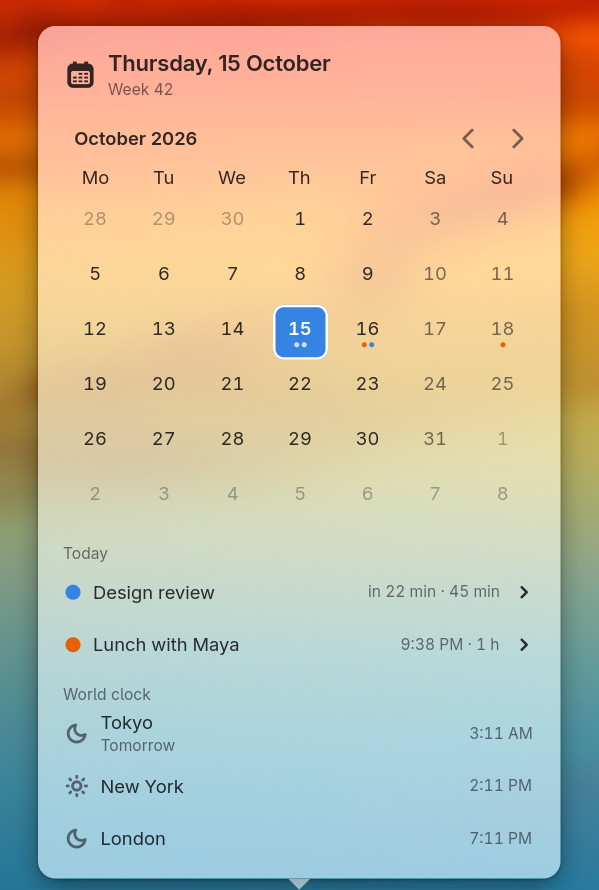
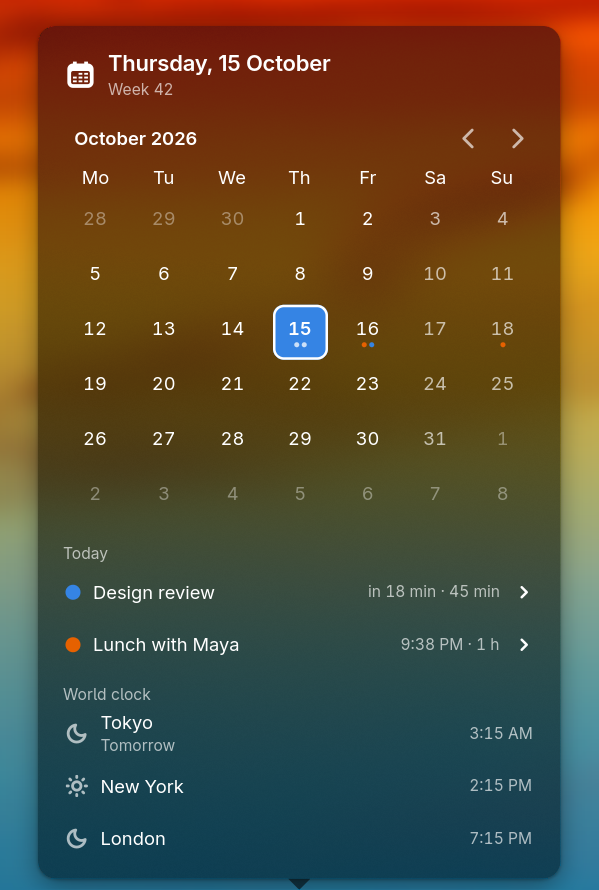
[applets.clock]The time and date, with a calendar in its popover.
Hide all-day events from your calendar's day list and month grid.
A strftime format string for the bar, such as %H:%M or %a %d %b %H:%M.
Your clock's time zone, such as UTC or Asia/Tokyo. Leave it unset to use your local time.
timezoneslist of tablesThe other zones the popover lists under its world clock. Empty hides the section.
Its settings are listed under [[applets.clock.timezones]].
What the bar's tooltip reads. A strftime format, such as %A, %-d %B %Y. Unset shows no tooltip.
Show today's week number above your calendar.
Screenshot
[calendar]Share your calendar events between the clock grid, day list and next-event. You get events from 31 days back to 62 days ahead; browsing the clock moves that window, with a maximum span of 400 days. Up to 512 events are kept, with 512 occurrences per recurring event and titles cut at 120 characters.
How often online calendars update, in seconds, unless a source sets its own interval. Local calendars update when their files change.
sourceslist of tablesThe calendars you read events from.
Its settings are listed under [[calendar.sources]].
next-event
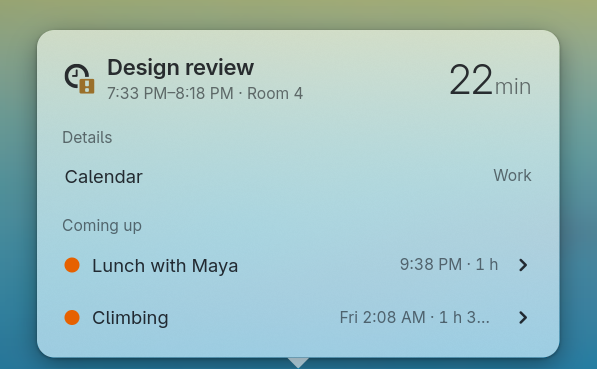
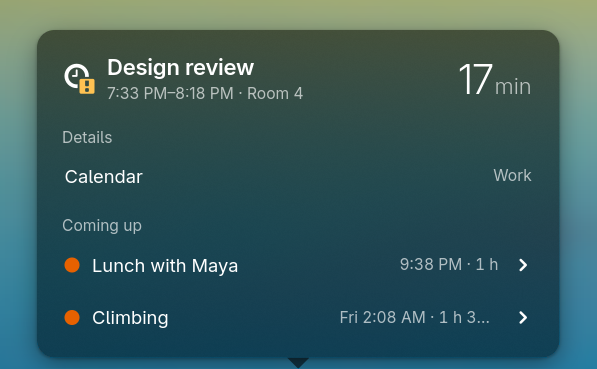
[applets.next-event]The next entry from the configured calendars.
Show all-day events on your bar when there are no timed events to show.
How many minutes before an event starts you see a countdown beside its title. With 0, you only see a countdown after the event starts.
How many minutes ahead your event list reaches, with within as the minimum.
What the bar's tooltip reads. {summary} is the event's title, {detail} its location or description, {when} when it starts and {conflicts} the events overlapping it. Unset shows no tooltip.
How many upcoming events you see below the current one.
How many minutes before an event starts it appears on your bar. With 0, you only see events already under way.
Screenshot
weather
[applets.weather]Current weather and forecast.
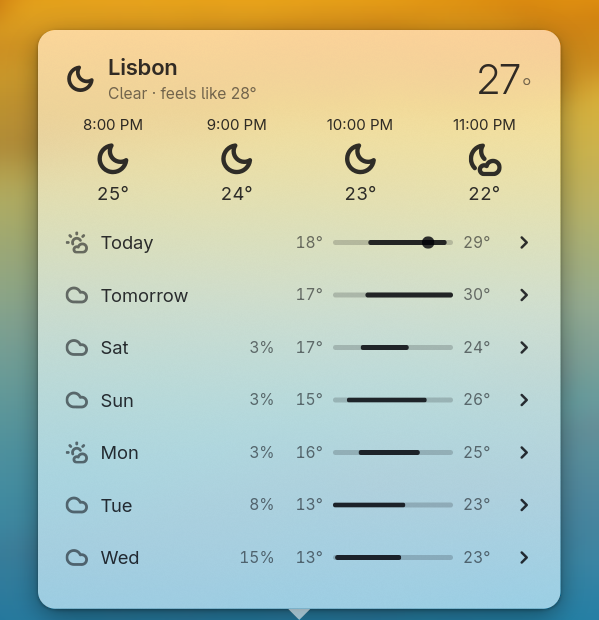
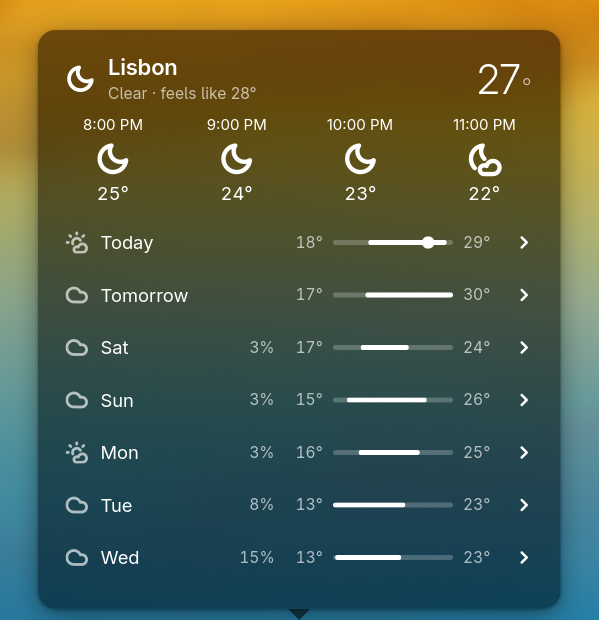
How many days after today the popover's list shows. Today always leads the list, holding the current conditions.
How many forecast hours you see, starting with the next hour.
Your place's name in the tooltip and weather panel. Leave it unset to use the city name.
Which place this applet shows.
tooltip-formatstringWhat the bar's tooltip reads. {place}, {temperature}, {feels-like} and {condition}.
{place}
{condition}, {temperature}, feels like {feels-like}
label sets the name in the applet's tooltip and at the top of its popover; the bar itself shows only the icon and the temperature. With no label, a latlon place reads as the nearest city, such as Amsterdam, NL. The hour strip shows at most 23 hours however high hours is set, and the day list never goes past [weather] forecast-days rows counting today (7 by default).
Screenshot
[weather]How a forecast is fetched. There are no places here: a place is registered by whatever wants to see it, through WatchPlace, and held for as long as it keeps asking. Nothing is fetched and no location is resolved until something does.
How many forecast days you get, including today, from 1 to 10.
How often the forecast updates, in seconds, with a minimum of 600.
Your weather forecast service.
"open-meteo"Open-Meteo."met-no"The Norwegian Meteorological Institute.
mpris
[applets.mpris]Music and playback controls.
Your track label, using {player}, {title}, {artist}, {album}, {state}, {position}, {duration} and {remaining}.
How many characters of your track label you see before it ends in ….
Your tooltip text, using the same placeholders as label-format.
Screenshot
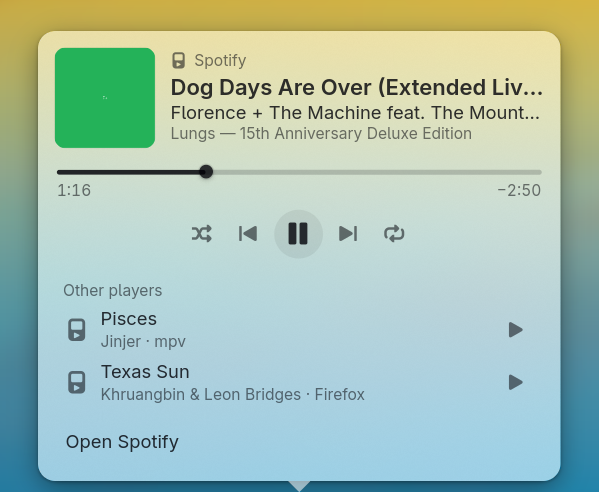
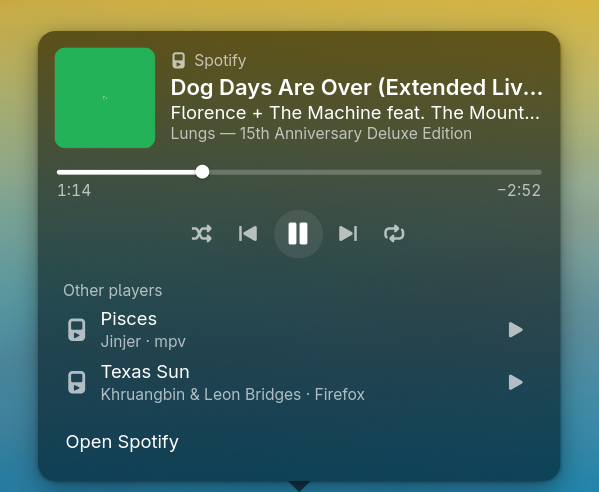
[mpris]Choose which media players you follow and whether to download their artwork. Playing players take priority over paused, then stopped players, with the most recently active first.
The largest artwork download you allow, in kibibytes, from 16 to 65536.
Download album artwork from the internet. Artwork from local files still works when this is off.
Hide media players whose names match these case-sensitive regular expressions. Upper and lower case must match the name; start an entry with (?i) to ignore case, as in '(?i)firefox'. Use single quotes around each entry.
notifications
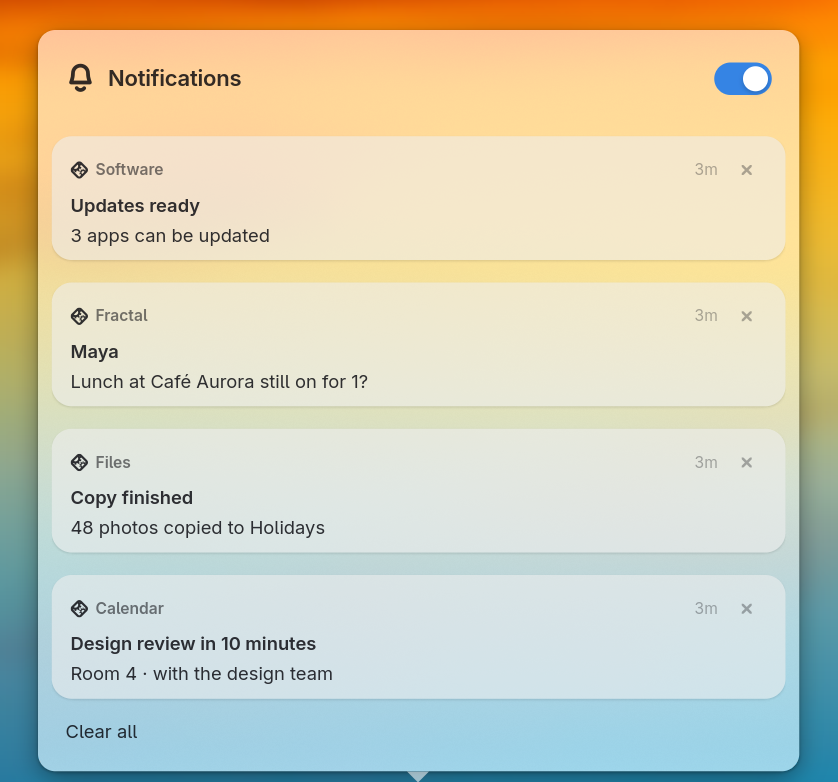
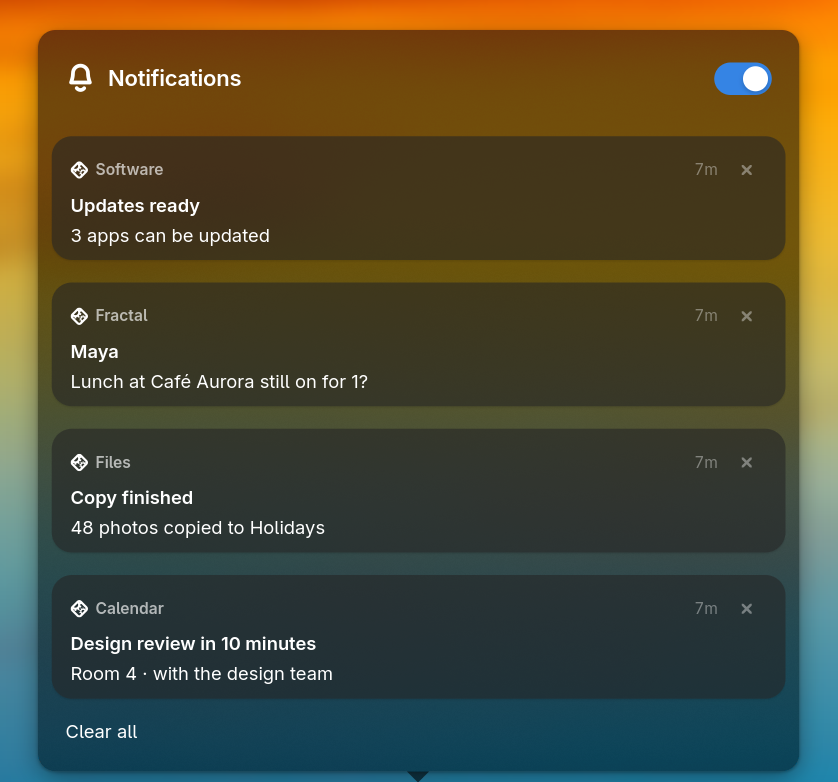
[applets.notifications]Unread notifications, with their history in its popover.
How the bar marks unread notifications: icon-dot adds a dot, icon-counter shows how many, icon-only shows the bell alone.
"icon-only""icon-dot""icon-counter"
Your tooltip text, with {count} for the number of unread notifications.
Screenshot