Workspace and window applets
These applets follow your workspaces and windows, the apps asking for a tray icon, and the folders you use.
Some applets also have a table named after the service behind them, shown after the applet's own. The service table changes the service for everything that uses it; the applet table changes only that applet.
pager
Works withniriHyprland
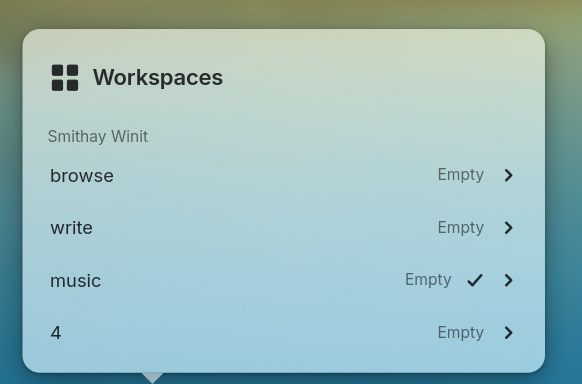
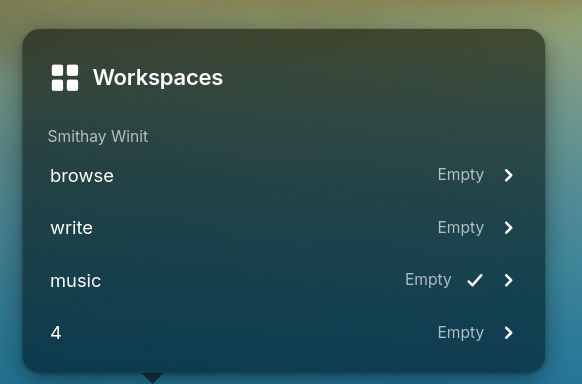
[applets.pager]A strip of workspaces or windows, one slot each, that switches between them on a click.
Your current slot's text, using the same placeholders as label.
Your slot text, using {index}, {id}, {name}, {name-or-index} and {workspace-name}. This also supplies any state label you leave unset.
Whether a slot is drawn as a dot or as its label in a pill.
"dots""labels"
Text for other slots, using the same placeholders as label.
Text for a slot asking for attention, using the same placeholders as label.
Screenshot
workspace-name
Works withniriHyprland
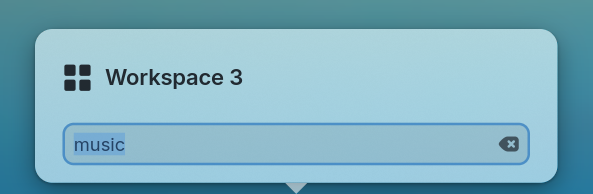
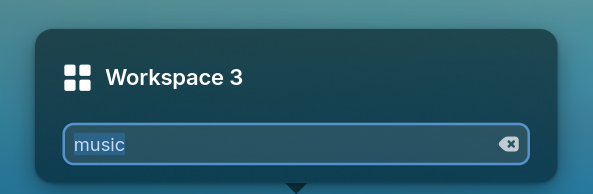
[applets.workspace-name]Your current workspace's name.
Your tooltip text, using the same placeholders as the pager's label.
Screenshot
tray
[applets.tray]Application icons in the system tray.
Hide tray icons by their application id.
How many tray icons stay on your bar before the rest go behind an arrow. Pinned icons always stay visible; 0 shows every icon.
Keep these tray icons on your bar in the order you give, even beyond max-visible.
places
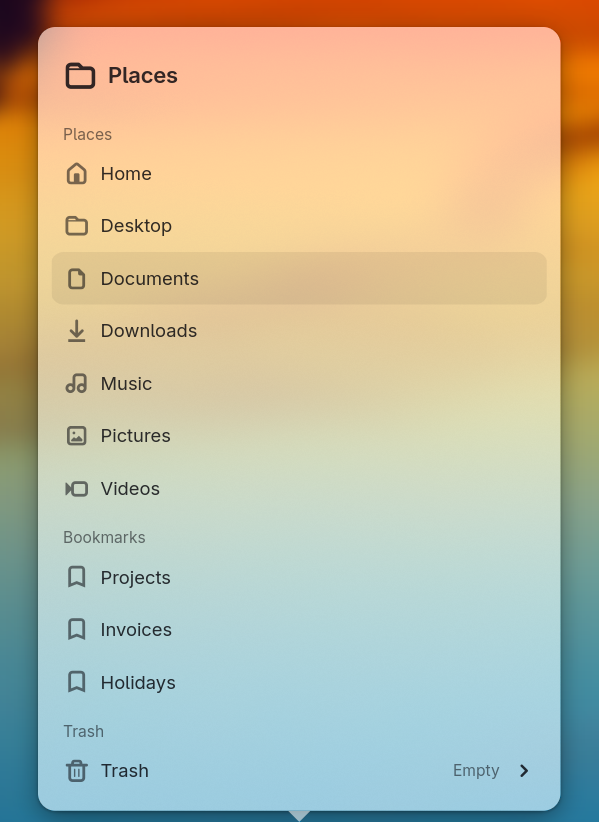
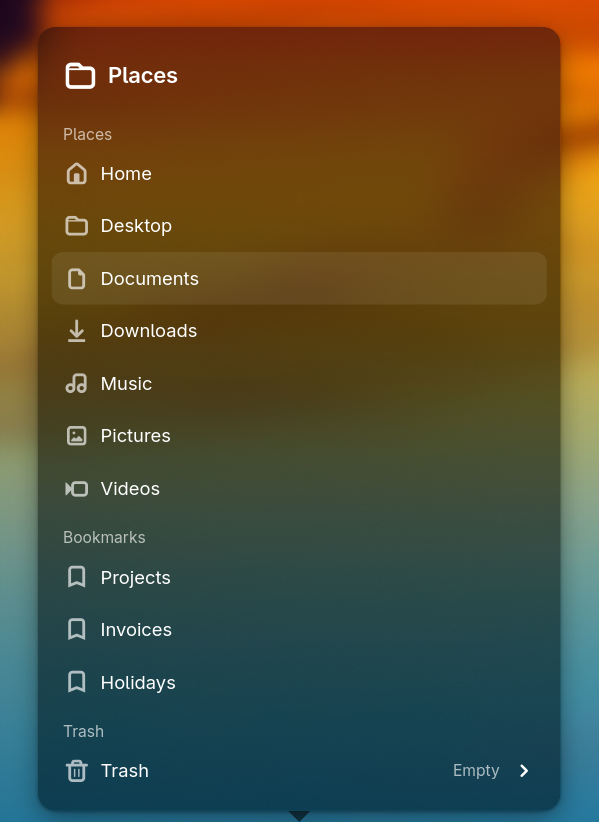
[applets.places]Home and user directories, bookmarks, network shares and the trash.
How many bookmarks the popover lists before the rest go behind a drawer.
Your tooltip text, with {bookmarks} for your bookmark count and {places} for your home and user-directory count.
Screenshot