System applets
These applets show and control the hardware and system services: sound, connections, displays, power and the session. Most of them need a system service to be installed; Install lists which.
Some applets also have a table named after the service behind them, shown after the applet's own. The service table changes the service for everything that uses it; the applet table changes only that applet.
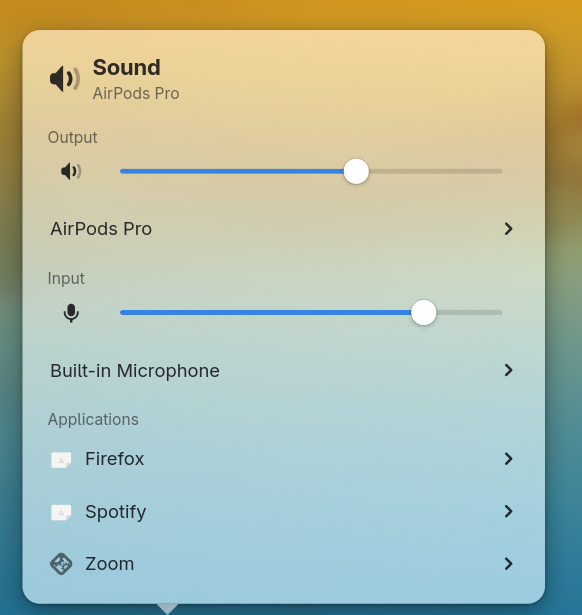
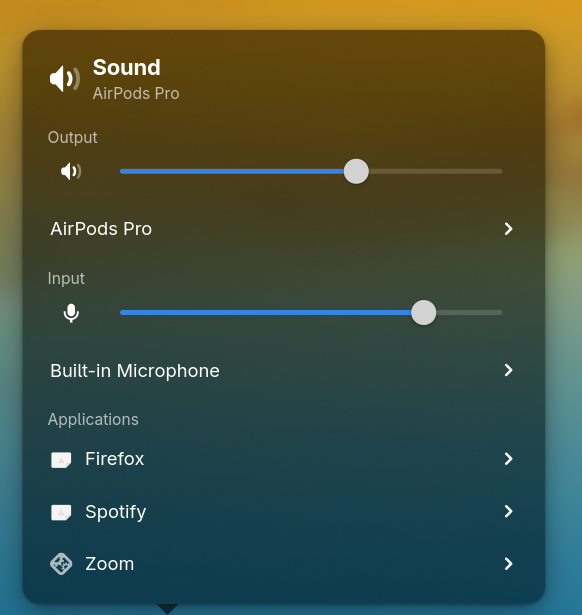
audio
[applets.audio]Speaker and application volume.
How much one scroll notch on the speaker icon changes the volume, in percent, from 1 to 100.
What the bar's tooltip reads. {volume} is the volume in percent, or Muted.
Screenshot
bluetooth
[applets.bluetooth]Bluetooth and paired devices.
How many disconnected paired devices you see before a "more devices" row. Connected devices don't count.
How many nearby devices the popover lists while scanning.
Your tooltip text, with {status} for connection status, {devices} for connected devices and {adapter} for your Bluetooth adapter's name.
Screenshot
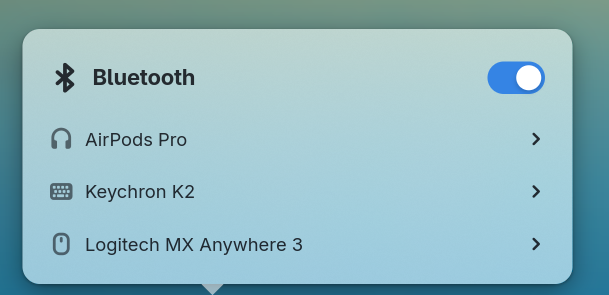
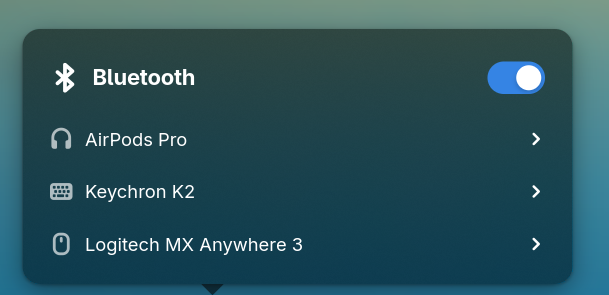
[bluetooth]Hide nearby Bluetooth devices that have no name.
How many seconds you scan for nearby Bluetooth devices. With 0, scanning continues until you close the popover.
network
[applets.network]Your network connections.
tooltip-formatstringYour tooltip text, with {connection} for your network, {metered} for its metered status, {signal} for Wi-Fi strength and {vpn} for your VPN's name.
{connection}
{metered}
Signal {signal}%
VPN: {vpn}How many other networks you see before a "more networks" row; 0 shows all. Connected and saved networks don't count.
Show your active VPN as a separate icon beside your network icon.
Screenshot
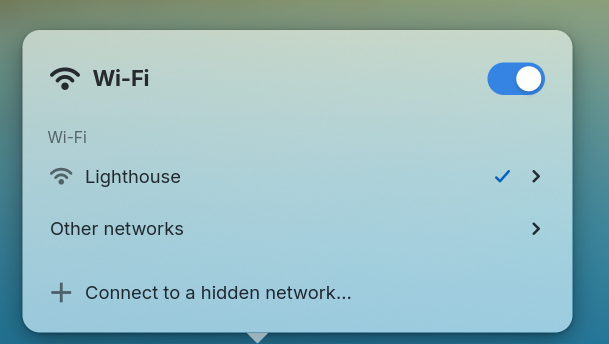
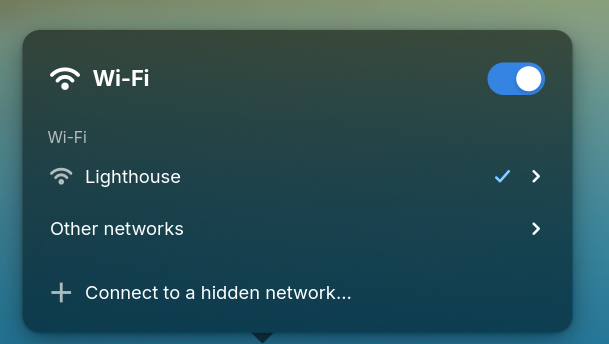
[network]Hide networks that don't broadcast a name.
How many seconds you scan for nearby networks. With 0, scanning continues until you close the popover.
display
Works withniriHyprland
[applets.display]Displays, brightness and night light.
How much scrolling one notch changes your display's brightness, in percent, from 1 to 100.
Your tooltip text, with {name} for the display's name and {brightness} for its brightness percentage.
Screenshot
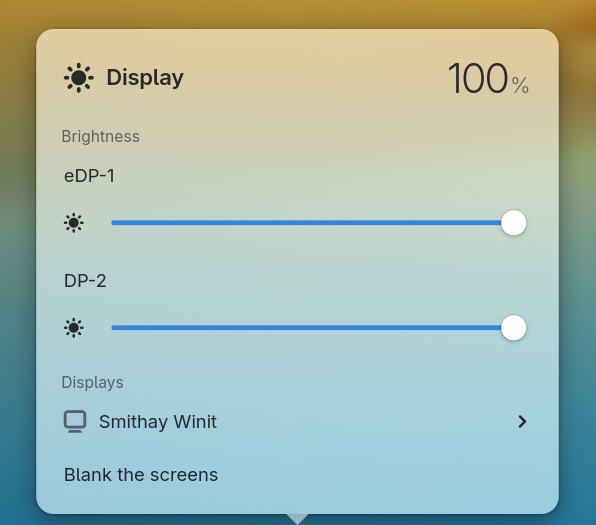
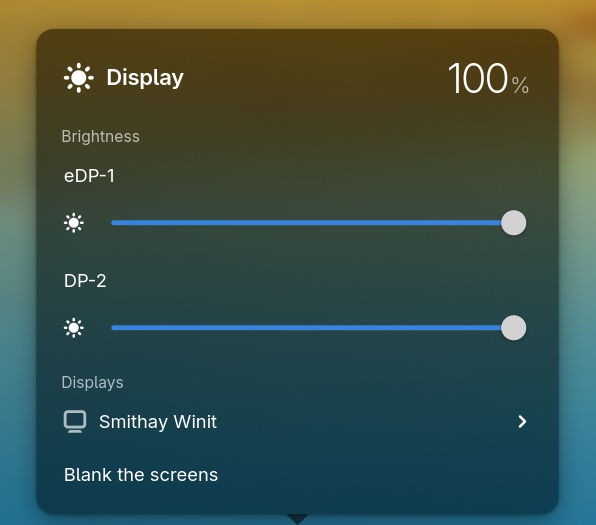
[brightness]Control the brightness of your external monitors. Changes apply after you restart the panel.
The lowest brightness percentage your display can reach, from 0 to 100. Your keyboard backlight can still reach 0.
power
[applets.power]Battery, power mode, keep awake and peripheral batteries in its popover.
Whether the bar shows the battery icon, the label, or both.
"icon-only""icon-text""text"
What the label shows. Placeholders are replaced by name: {percentage}, {state} and {remaining}, the time left to empty or full.
What the bar's tooltip reads. {percentage}, {state} and {remaining}, the time left until empty or full.
Screenshot
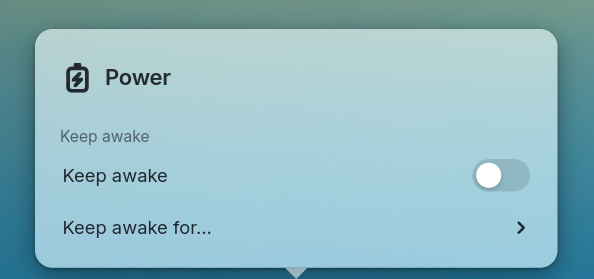
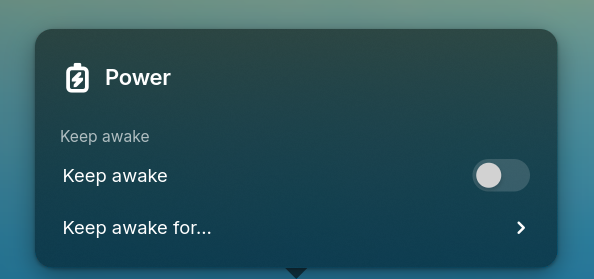
keyboard
Works withniriHyprland
[applets.keyboard]The active keyboard layout, and switches between the configured ones.
Your tooltip text, with {code} for the short layout label and {name} for its full name.
Screenshot
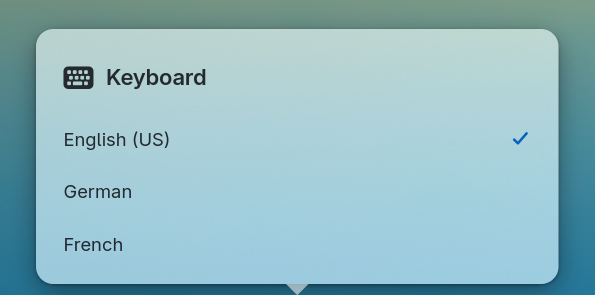
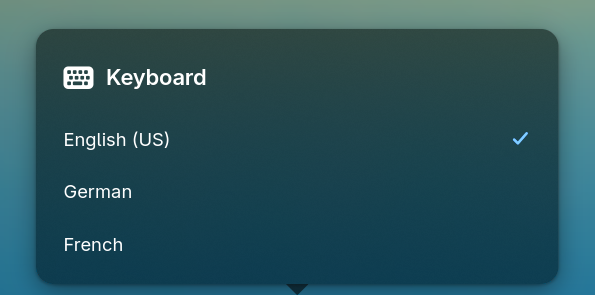
[keyboard]Your layout labels, matched by code or full name without regard to case, such as { "English (US)" = "EN" }. Other layouts show their code.
Keep a keyboard layout for each window, each app, or everything with global.
"global""app""window"
printing
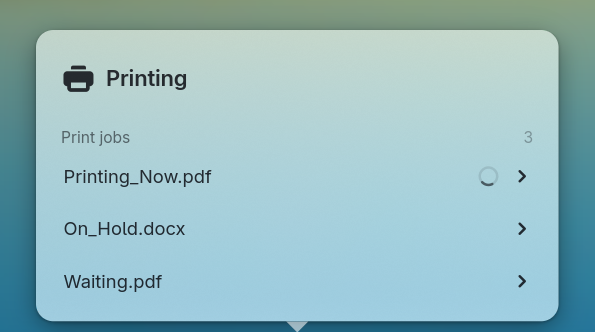
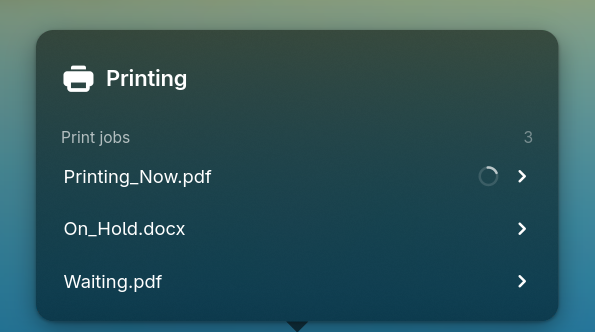
[applets.printing]Active print jobs.
How many active print jobs you see.
When the bar shows the printing chip.
"always"Show whenever a printer exists."jobs"Show while a print job is active.
tooltip-formatstringYour tooltip text, with {document} for the current document, {printer} for its printer, {pages} for progress and {count} for the jobs shown.
{document}
{printer}
{pages}
Screenshot
[printing]removable
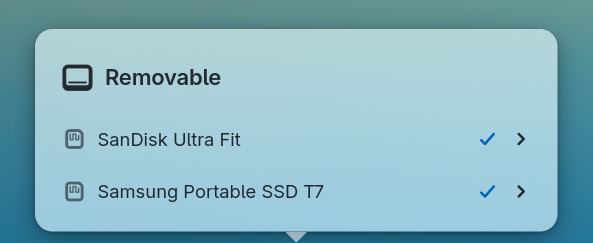
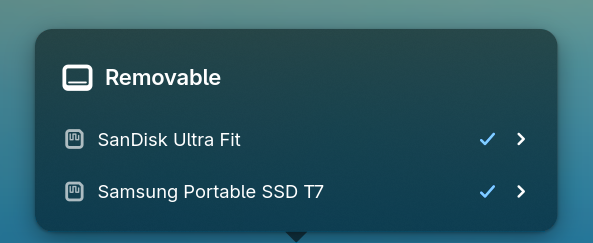
[applets.removable]Removable drives.
What the bar's tooltip reads. {drives} and {volumes} are how many of each are attached.
How many devices (drives, not their volumes) the popover lists before the rest go behind a drawer.
Screenshot
[removable]How often free space on removable drives is checked, in seconds. Use 0 to hide the free-space reading.
privacy
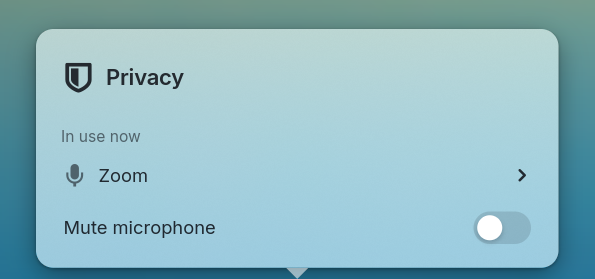
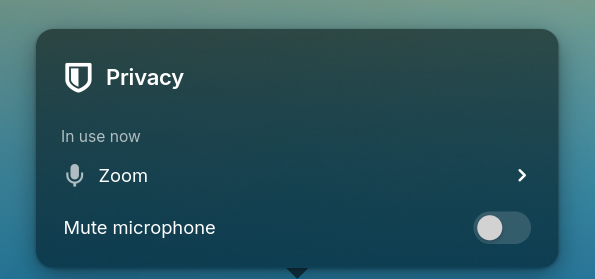
[applets.privacy]Microphone, camera, screen and location use.
Whether the camera is shown when in use.
Whether location access is shown when in use.
Whether the microphone is shown when in use.
Whether screen capture is shown when in use.
What the bar's tooltip reads. Plain text. Unset names what is in use and by which app.
Screenshot
idle
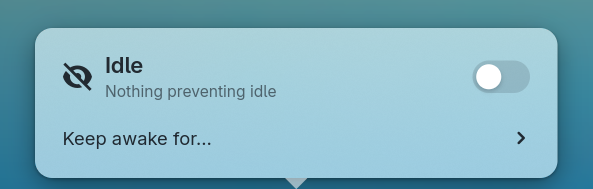
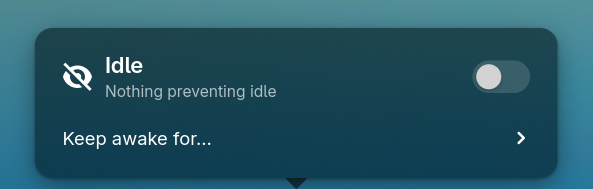
[applets.idle]Keep your screen awake.
Your tooltip text, with {status} for what is keeping your screen awake.
Screenshot
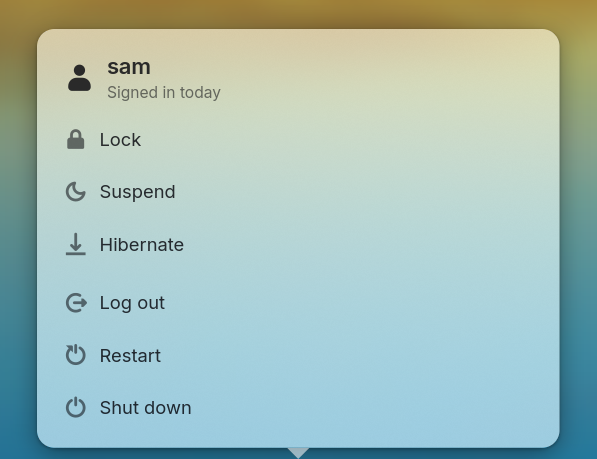
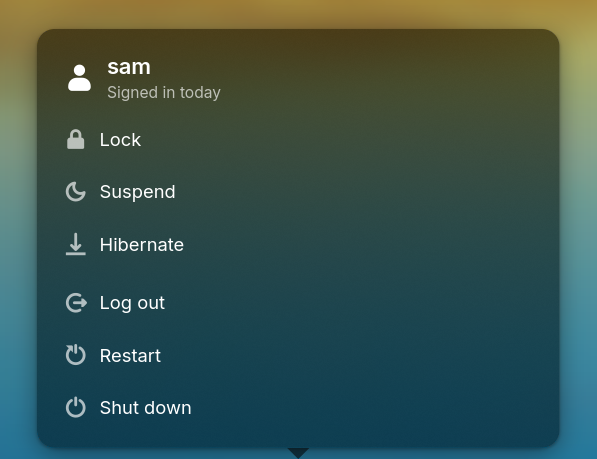
session
[applets.session]Log out, suspend, restart and shut down.
Your tooltip text, with {user} for your user name.
Screenshot